
Exact SKU quantities
Each barcode and entered quantity creates a product-by-product record of what was physically on hand.
Itemized Scan Inventory
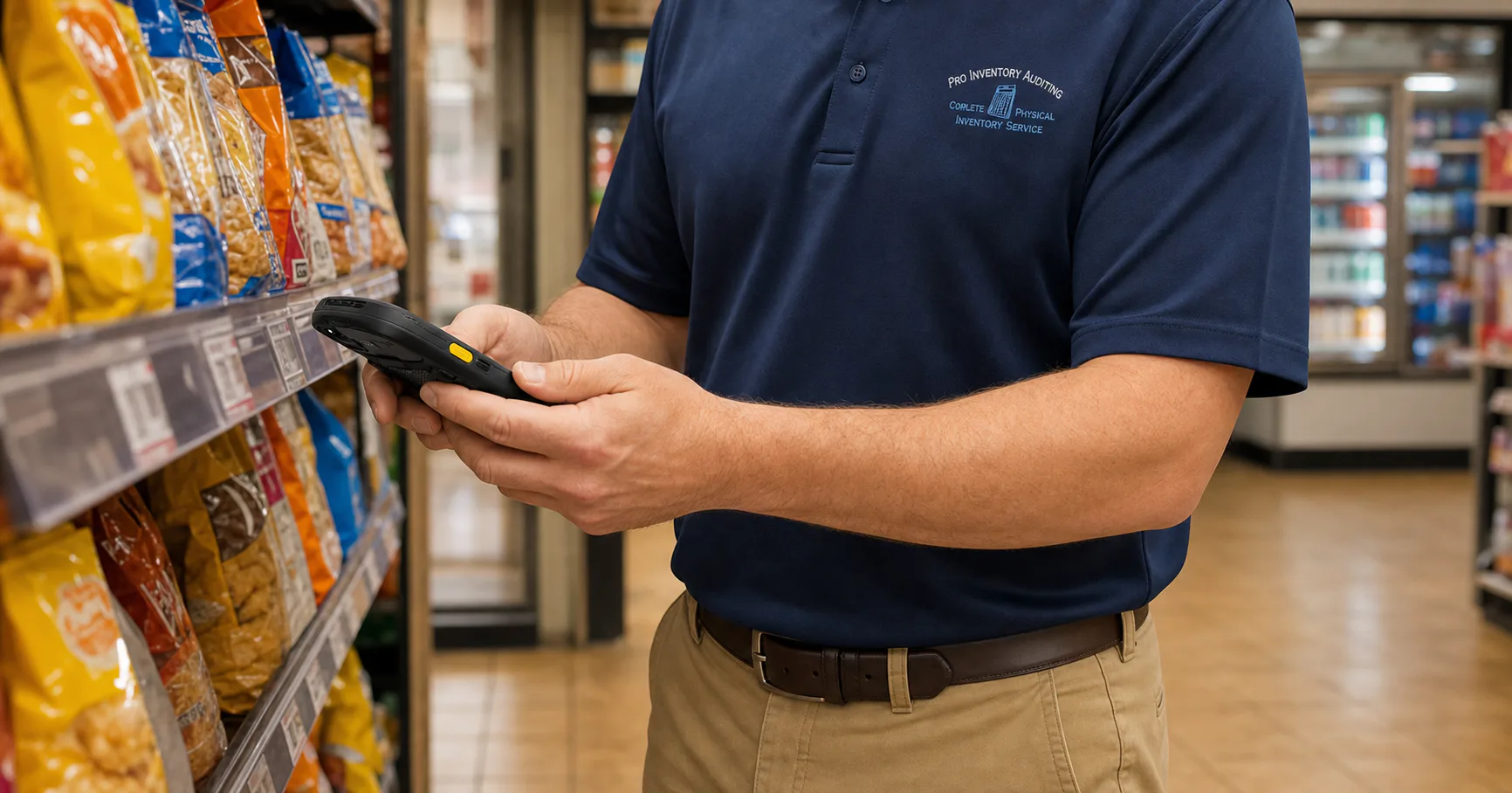
Every barcode and physical quantity is captured with an enterprise barcode scanner, creating an itemized file of the products and quantities counted.
Product-level clarity
Instead of only seeing a department total, you can see, for example, how many Don Julio 1942 bottles were counted. That detail supports more informed ordering and can surface products you did not realize were still in stock.
Each barcode and entered quantity creates a product-by-product record of what was physically on hand.
The delivered file lists every barcode and quantity scanned during the inventory.
The itemized process often finds products in displays, coolers, or back stock that were forgotten or not expected.
A straightforward process
A short workflow conversation helps surface the details that make a scanner-assisted inventory productive.
Discuss the store, item file, back-office platform, required import format, and expected itemized output.
Using enterprise barcode scanners, the field team records each product and the quantity physically on hand throughout the store and back stock.
When you have a compatible back-office system, the itemized file is prepared in the system-specific import format confirmed for your store.
Put itemized detail to work
Exact SKU-level quantities can improve reorder decisions and reveal overlooked stock. Understanding what sells, what does not, or what has sat too long requires comparing the count with sales history, prior counts, or back-office data.
Keep exploring
Discuss this service
Share the location, preferred timeframe, and result you need. Our office will help clarify the next step.